
CloudEffects

Website App

Fix one explanation, and the whole site is up to date.

Website is the app that builds your company’s site, publishes it, and keeps it from going stale. Pages do not hold their own copy of the text; they point to explanations kept in your company’s knowledge. So one fix reaches every page that uses it. Your current WordPress site comes along as it is.

What Website does

Bring it in, build it, keep it fresh. That is all it does.

What it uses
Company explanationsPricing & FAQProductsTheme (the look)Your current site
WebsitePage assembly
What comes out
Published pagesProduct pagesLinked articlesReview flags
  1. Bring it in

    Your current site’s articles, images and URLs are read in as they are. Nothing has to be re-entered.

  2. Build

    Pages do not hold text. They say “this explanation goes here”, and the text itself lives in one place, as company knowledge.

  3. Keep it fresh

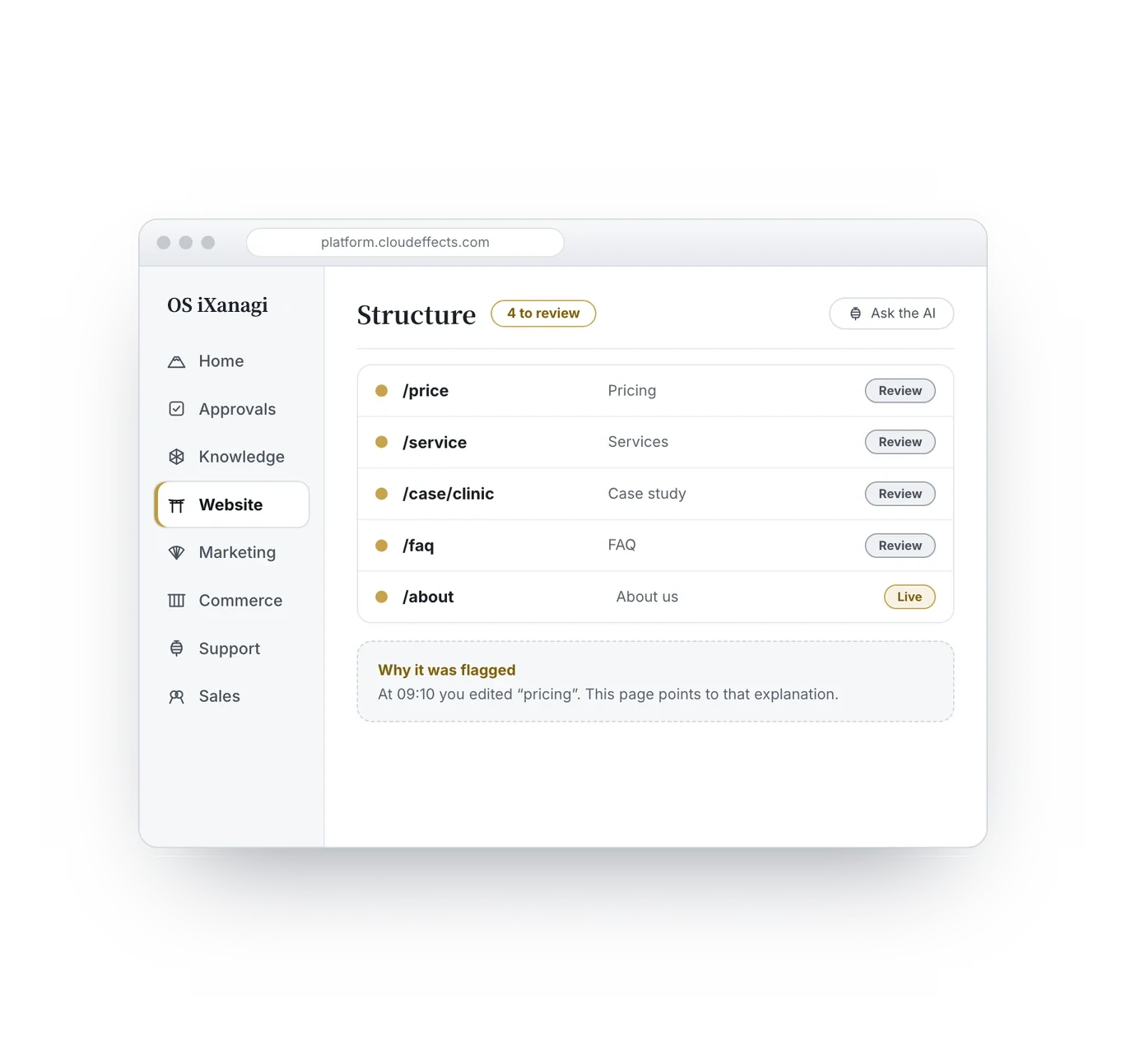
    Edit the original explanation and the pages that point to it show the new wording automatically, while the blueprints (briefs) behind them are flagged “Needs review”. No hunting for where to look.

Look and substance

The website is the look. The content’s truth is the Marketing blueprint.

The Website App owns the look and the placement — the theme, the skeleton of each page, which explanation goes where. What to say — the positions, who it is for, which question it answers — belongs to the Marketing App’s blueprints (briefs), and the words themselves live in one place as company knowledge. Pages are assembled from blueprints; when a blueprint or a piece of knowledge changes, the page is flagged “Needs review”. The truth is never forked by rewriting a page directly.

The problems it solves

Does this sound familiar?

A site goes stale not for lack of effort. It is how it is built: the same explanation is written into page after page.

Features

What you can do with the Website App.

Six features. Each one works on a screen you look at, with you making the call.

Build pages that point to explanations
1Build pages that point to explanations

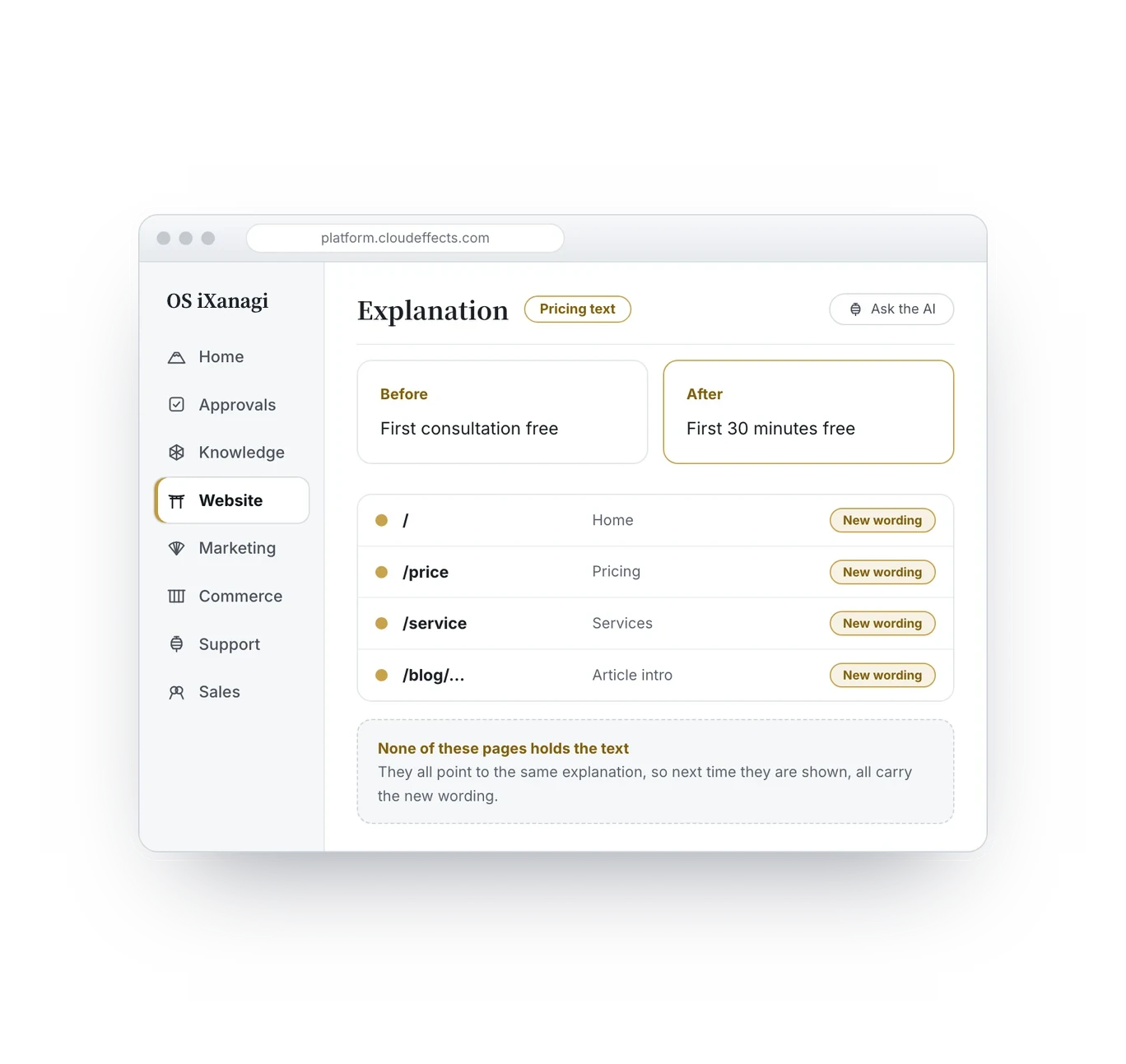
Pages hold no text of their own; they point to explanations kept in your company’s knowledge. Change “first consultation free” to “first 30 minutes free” and every page that uses it shows the new wording from the next view.

1 / 6

Screens are drawn for explanation. Details differ from the actual product.

What changes

Until now, and from now on.

Five everyday moments, and what changes in each.

Bringing your site

You keep your current site.

The real cost of moving is not the monthly fee. It is re-entering everything you wrote — 200 articles is reason enough to give up. So you do not have to re-enter anything.

Linked articles

Articles linked by meaning.

Hand-picked related links never last, and “3 newest posts” are not related, so nobody clicks. Here, articles close in meaning are linked by what they are about — so readers see what they want to know next.

1,687

links between articles, joined by closeness of meaning.

Measured on a live example site (as of October 2026)
1,297

links placed by people inside article bodies, each recorded one by one.

Measured on a live example site (as of October 2026)

Well connected, to search engines too

The site is linked by meaning inside, so its structure is easier for search engines to read as well.

Dates shown the reader’s way

Dates are not typed by hand; only “when” is stored. A Japanese site shows 2022/01/01, an English site 04/06/2026 — formatted as they are shown.

Links inside articles

Links people placed inside article bodies are recorded one by one, separately from the links joined by meaning.

What changes

The time spent searching drops to zero.

  • Daily updates, done in-house

    Wording fixes, new pages, publishing articles. Menus and page order are data, so reordering and adding happen on screen.

  • The know-how stays when people leave

    The work is mostly “read and decide”. How to fix things stays with the company, not in one person’s head.

  • Delegate without losing the brand

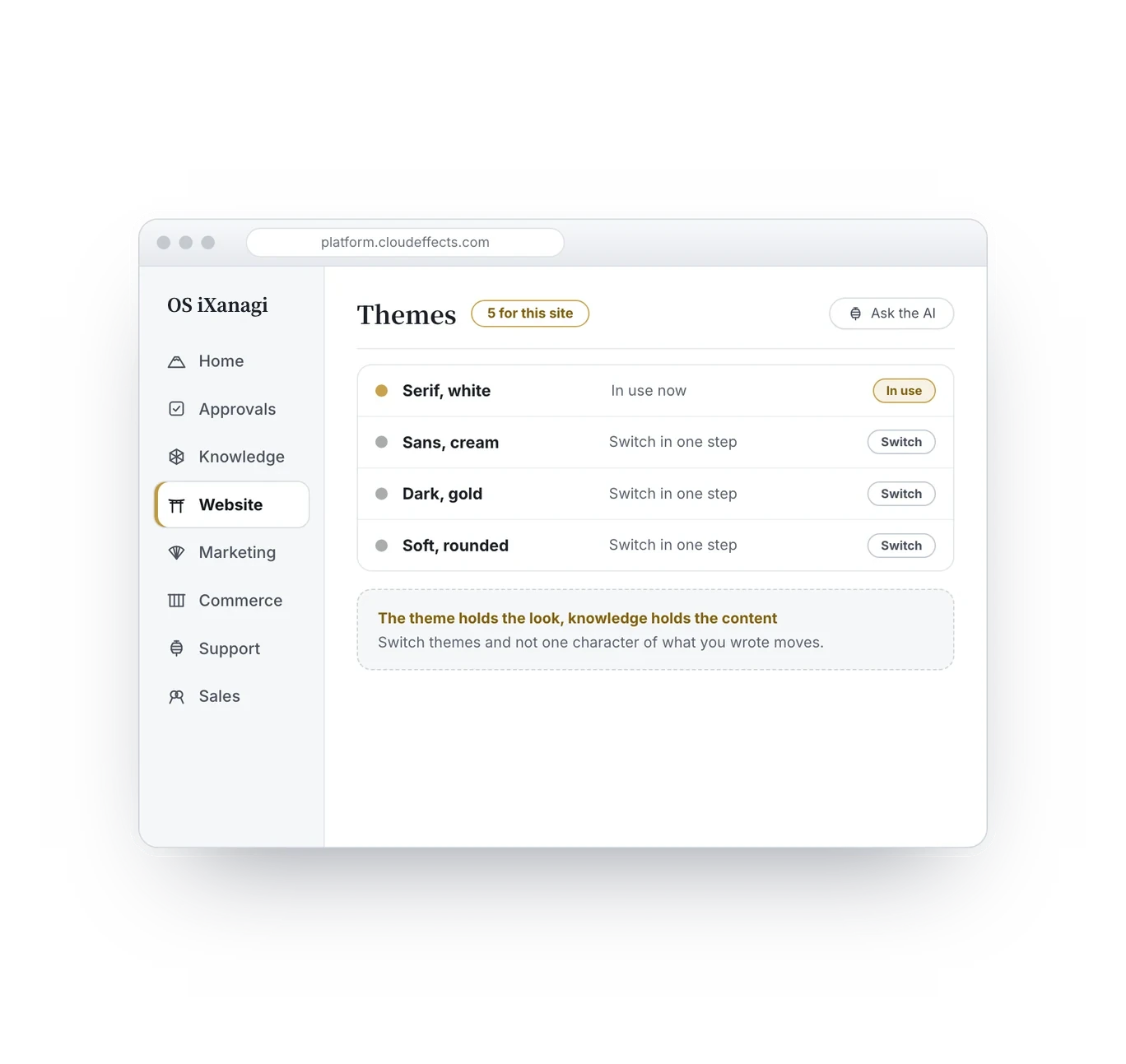
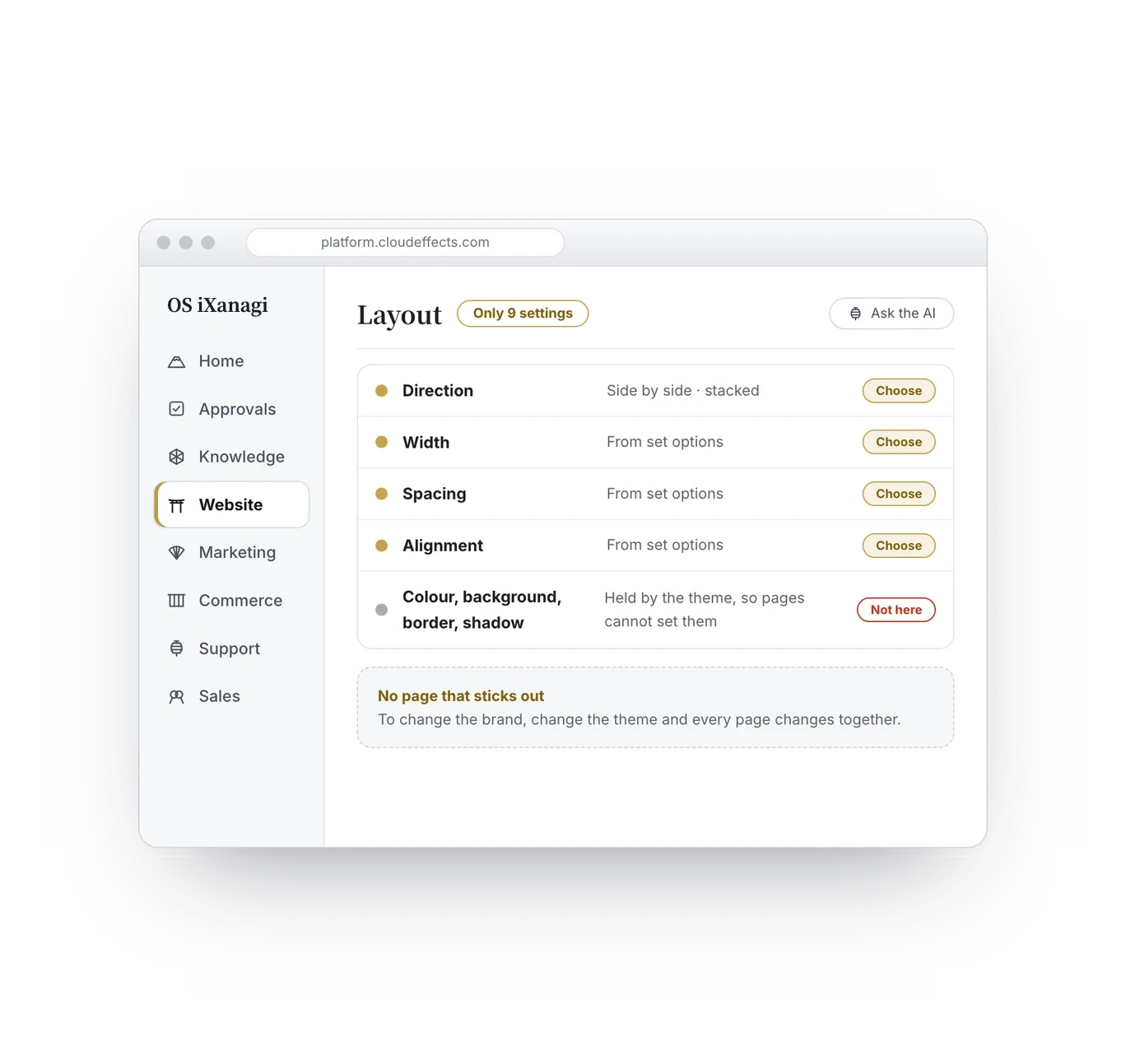
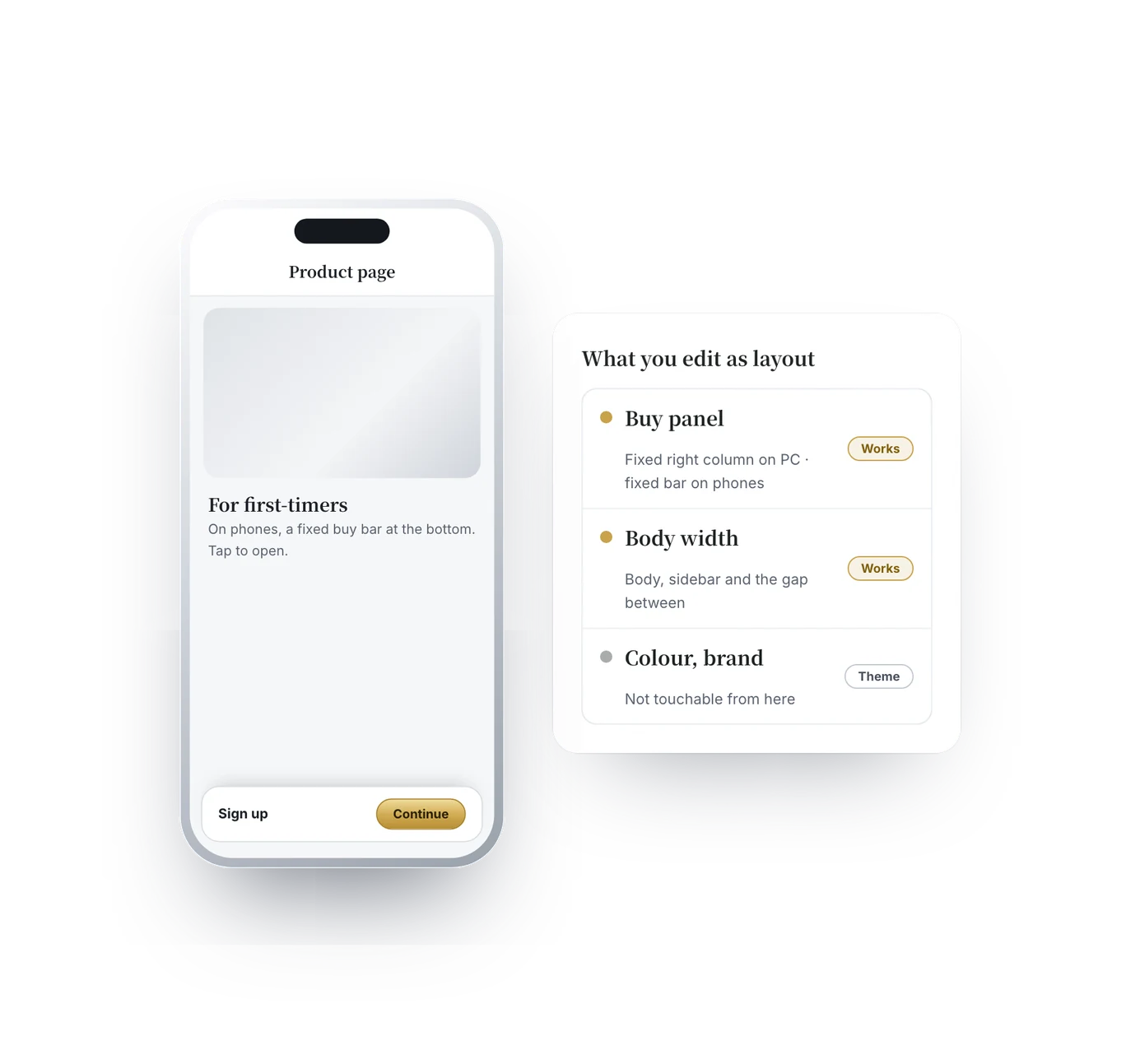
    Pages choose only from set options, and the brand’s colours belong to the theme. “One page that looks out of place” becomes hard to create.

  • Customers never hit a dead end

    Product prices in articles follow automatically, and broken links drop out of view.

  1. 09:10Edit the pricing explanation in one place. Two minutes.
  2. 09:12Pages pointing to it already show the new price. Four blueprints that use it are flagged, each saying why.
  3. 09:13Three are fine with the new wording. Mark them “Review complete”.
  4. 09:15In one, the sentences around it no longer connect. Fix just that by hand.
  5. 09:16Done. Zero time searching. The only edit was the one that truly needed it.

Six minutes, one morning

Building pages from blueprints

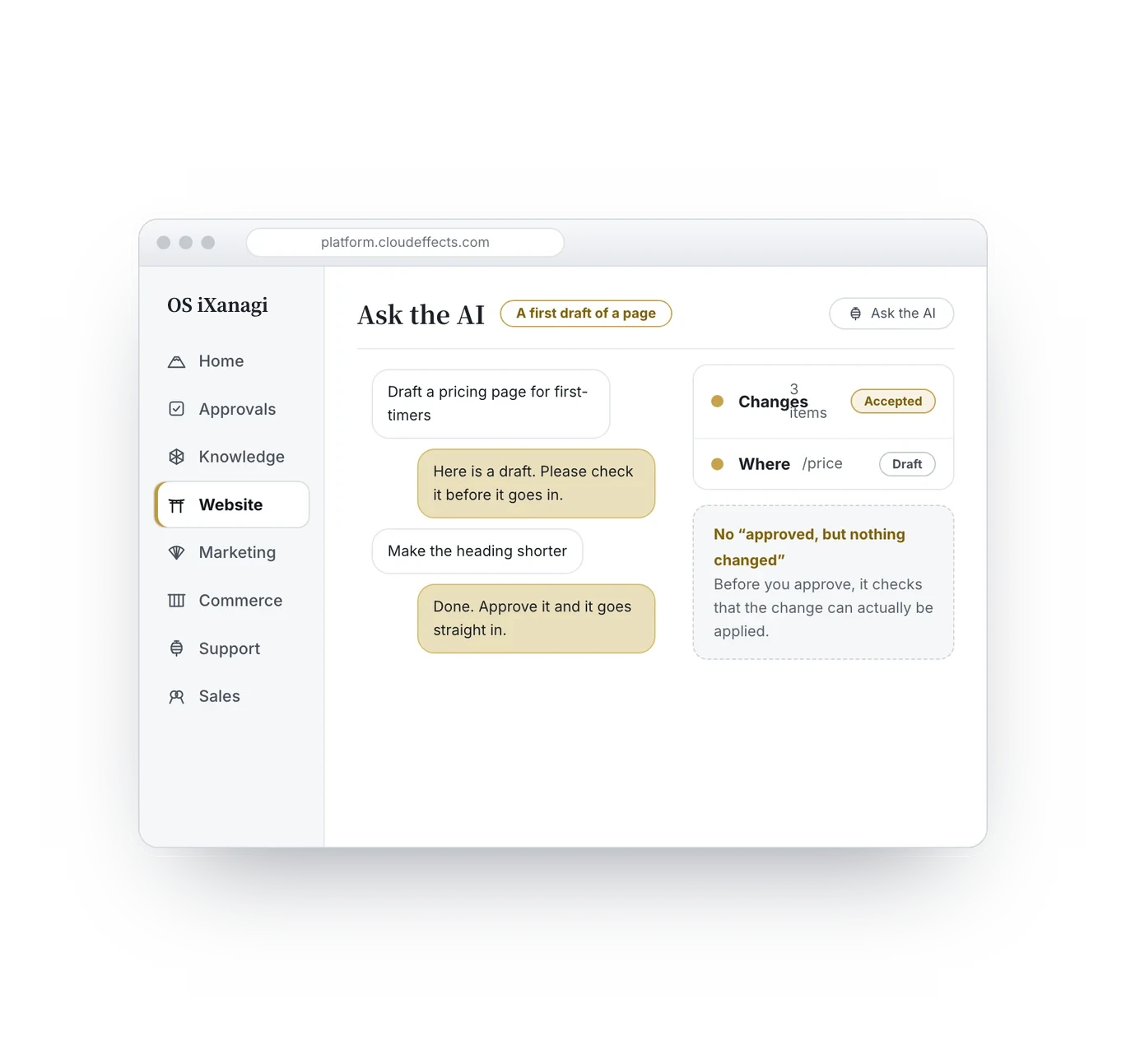
To build a page from a Marketing blueprint, ask the AI to run it. Where an image is missing, it writes a brief describing the image needed; you supply the image yourself.

Using it with peace of mind

Four promises that protect your site.

Your pages are never rewritten behind your back

When you edit the original explanation, the places that point to it show the new wording — but the AI does not rewrite the sentences around it. That page may have a reason to say it differently. What you get is a “Needs review” flag on the blueprints and drafts, with the reason. You decide.

Customers never see a broken link

Links whose destination is gone drop out of what is shown. Even if you notice late, customers never hit a dead end.

One brand’s look never leaks into another

Once, decoration written into a shared component showed up on another brand’s site. Now a machine check stops brand-specific decoration in shared components before anything goes live. Run several sites, and their looks stay separate.

Tags are never merged without you

The AI may suggest that similar tags mean the same thing, but they merge only when you approve. A wrong merge cannot be undone later.

FAQ

What people ask.

  • No. First it reads your site in and takes out the content. Whether to redo the look is a separate choice you make afterwards. Bringing it in and redesigning are two different jobs.

  • Your URL structure comes along as it is. URLs are treated as name tags on pages, so you choose whether to change them. Nothing forces you to change them to move.

  • Website is included in the OS iXanagi plan ($299/month per brand, provisional while we tune pricing).

  • Daily updates — fixing wording, adding pages, reordering menus, publishing articles — become something you do in-house. Creating an entirely new design still needs a designer. We do not replace that.

  • The work is mostly “read and decide”, and the AI drafts the text. But a person decides what is right, so someone who knows your business needs to look.

  • Knowledge is in every plan, so there is nothing extra to set up. The explanations your pages point to are the company knowledge kept in Knowledge.

  • It writes the instruction — “this page needs this kind of image here”. The image itself is yours to supply.

  • As of October 2026, 3 sites and about 470 pages run this way. We have not tested at the scale of tens of thousands of pages, so we do not claim that.

Defined

Stop searching before every fix.

A site stops being updated not for lack of effort, but because of how it is built. Start by putting your business into words, together with the AI.

Fix one explanation, and the whole site is up to date. | CloudEffects