


Revising a quote
Until now
A spreadsheet per version, emailed as attachments. Which one is current is anyone’s guess.
From now on
Every quote has an expiry, and the customer always opens the current one from their page.
Add-on — Quotes, invoices, deposits
Purchase costs, shipping, duties and fees turn up later, somewhere else. From the quote to the invoice and the deposit you took up front, every step stays in one place — and each one keeps its own record.
Works · Add-on
How it works
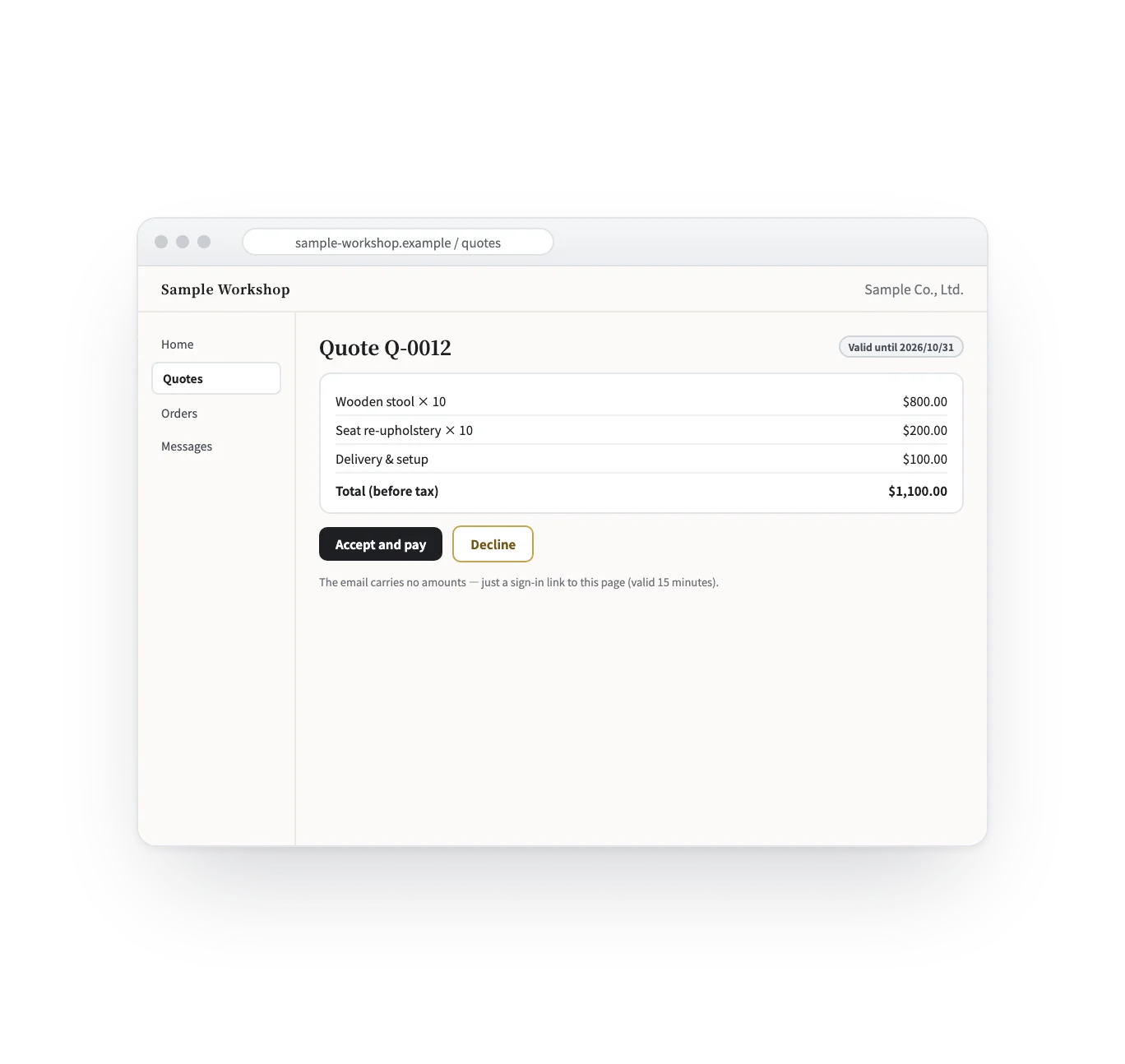
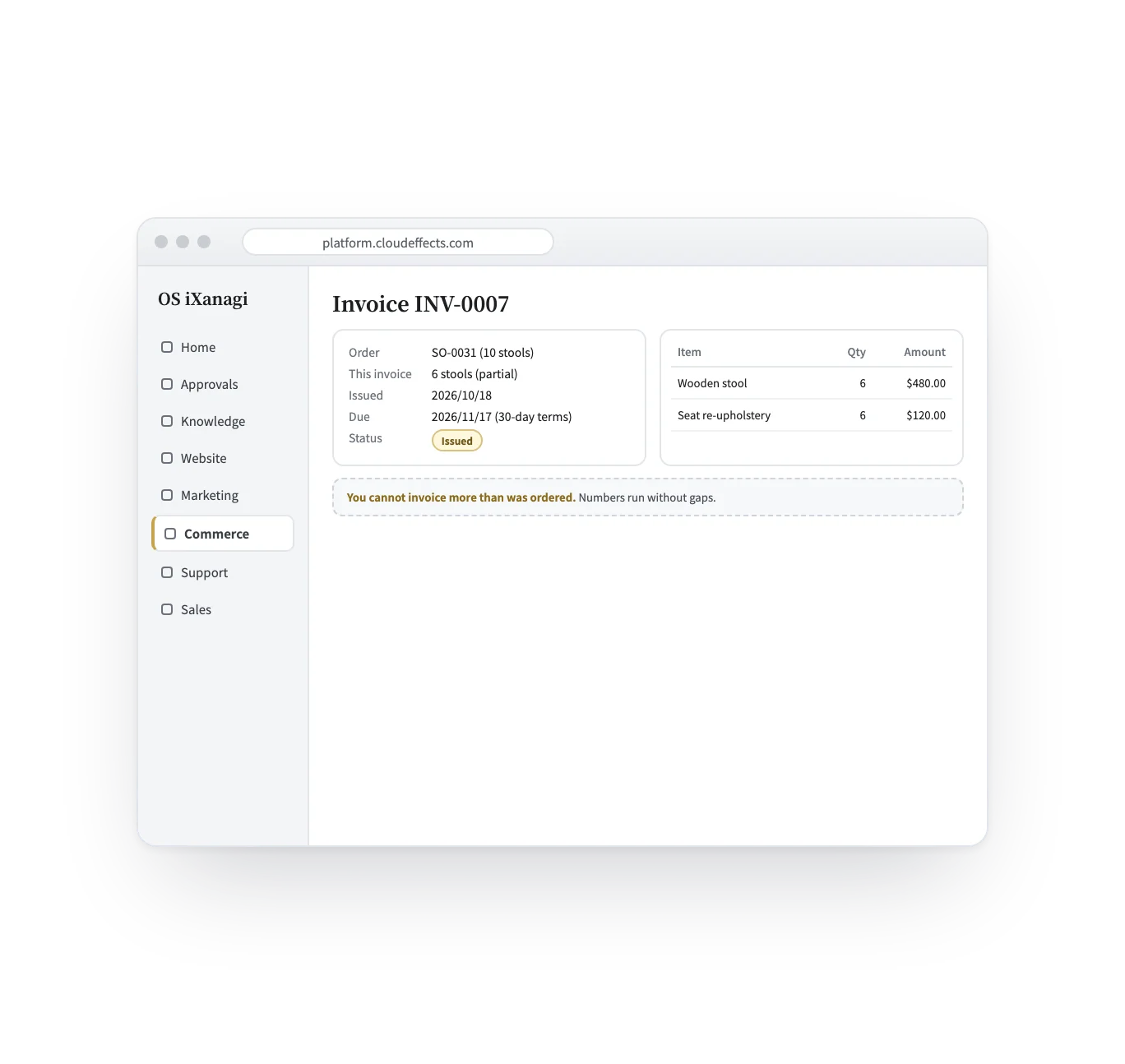
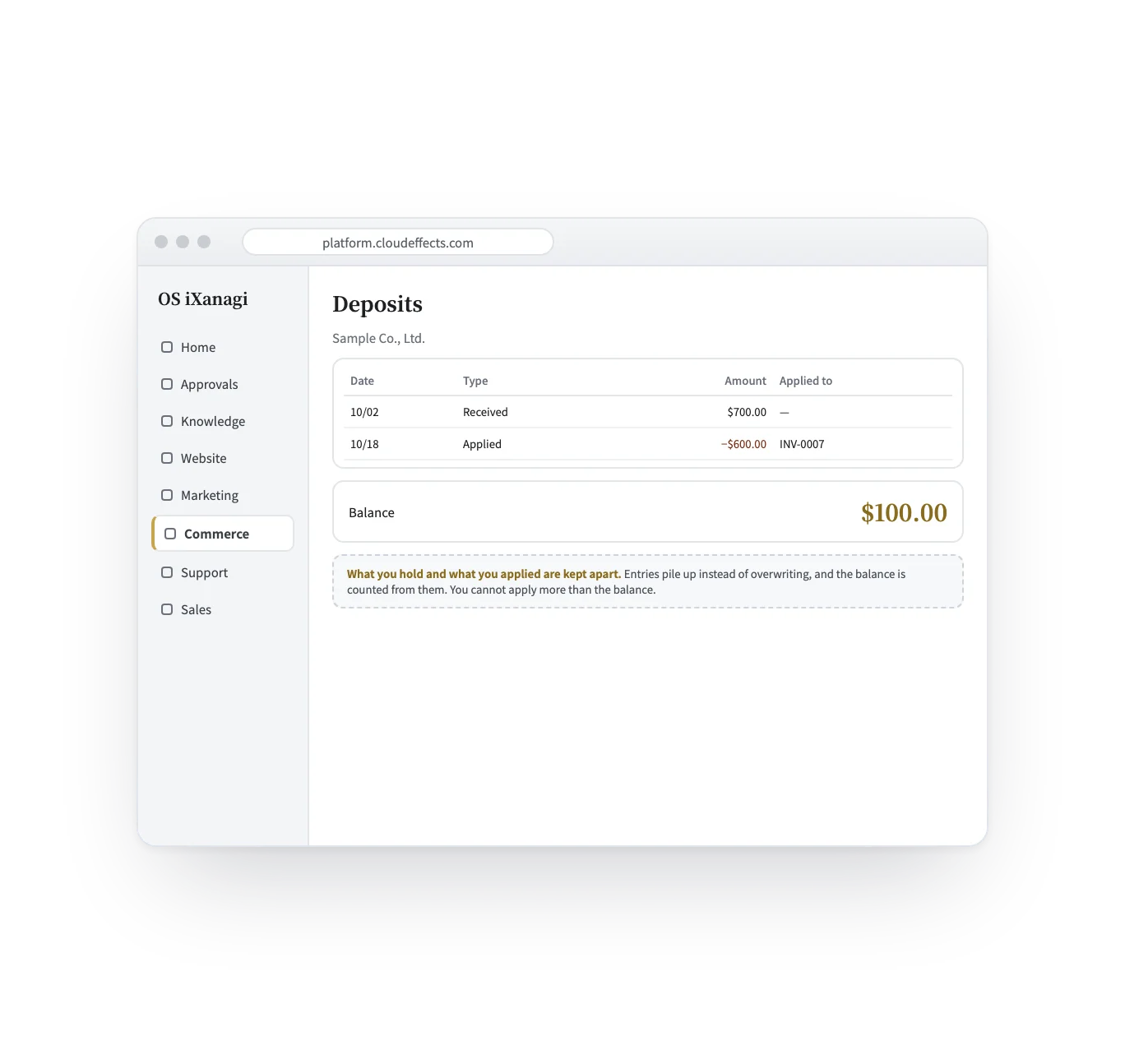
Four scenes: the quote, the customer’s answer, the invoice and the deposit. The screens are samples; the companies and prices are examples.
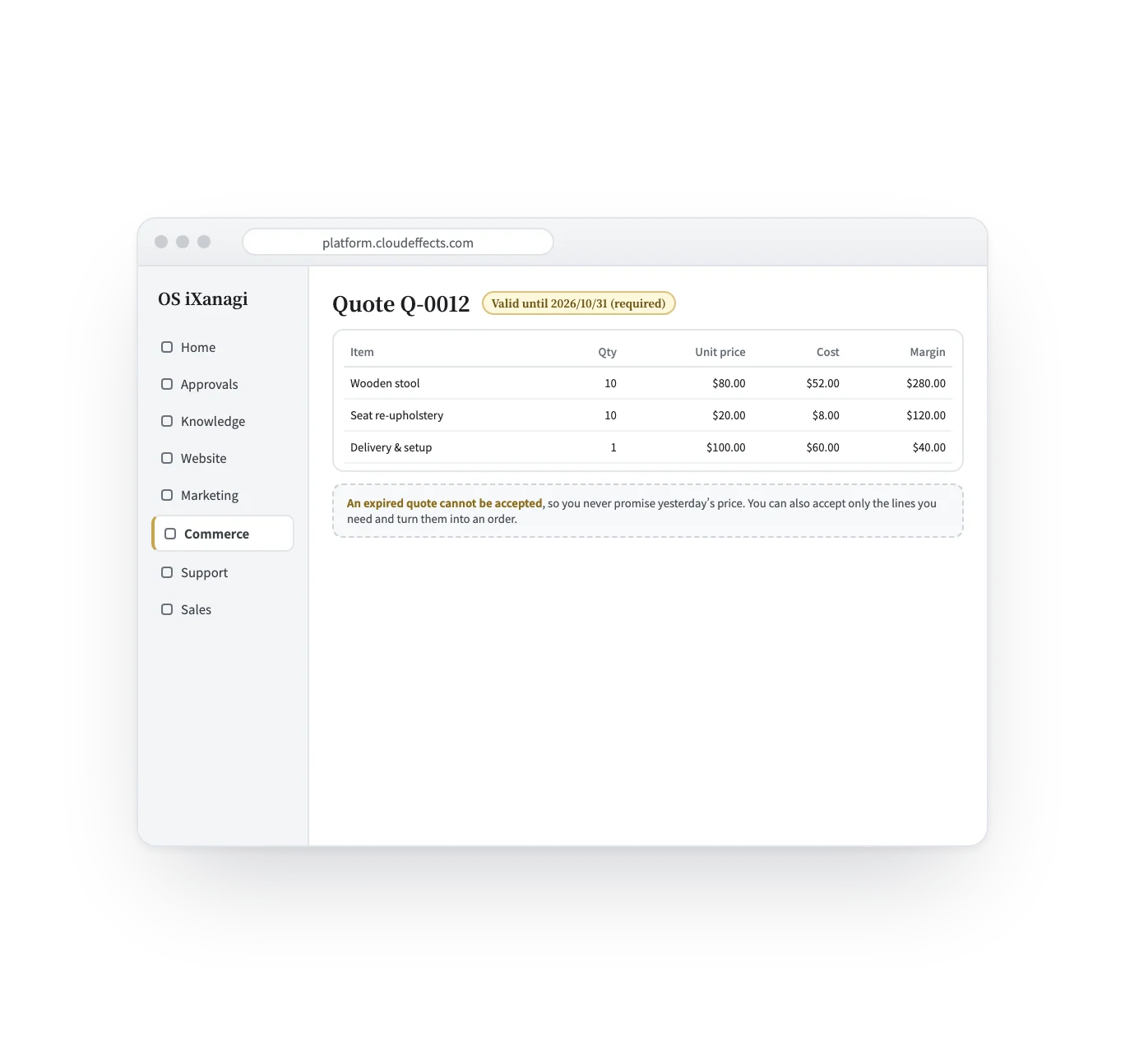
An expiry date is required, and an expired quote cannot be accepted. Each line keeps its cost, so you see the margin before you send it. You can accept only the lines needed and turn them into an order.
Who it suits
Quote, take a deposit, then invoice when it ships.
Purchase cost, freight, duty and fees as separate cost lines.
Quotes per company, and partial invoices as goods go out.
An expiry on every quote, so yesterday’s price is never promised.
What it does
With the rest of OS iXanagi
Quotes, invoices and deposits live next to your products, customers and deals — not in a separate accounting tool.
What changes
What it needs
Every App comes with the plan. Unless an App is activated, its capabilities cannot be used — from the screen or the API.
Invoices are issued and kept as records; PDF documents are not produced from them. Money received is recorded on the Payments screen. Duties and fees are kept as cost lines, not as a customs process. Refunds of deposits are recorded, and the money itself is returned outside OS iXanagi.
FAQ
As an email with a sign-in link to their own page — no amounts in the email. They accept or decline there, and accepting goes on to payment.
It can no longer be accepted or sent. Make a new quote with the current price.
Yes, as many times as needed — but never more than was ordered in total.
Invoice totals, deposit balances and credit figures are shown only to people with permission to see money.
Works well with
Curious? Ask the AI directly — it answers in terms of your business.
