


How much is too much
Until now
It lives in someone’s head, and nothing stops the next order.
From now on
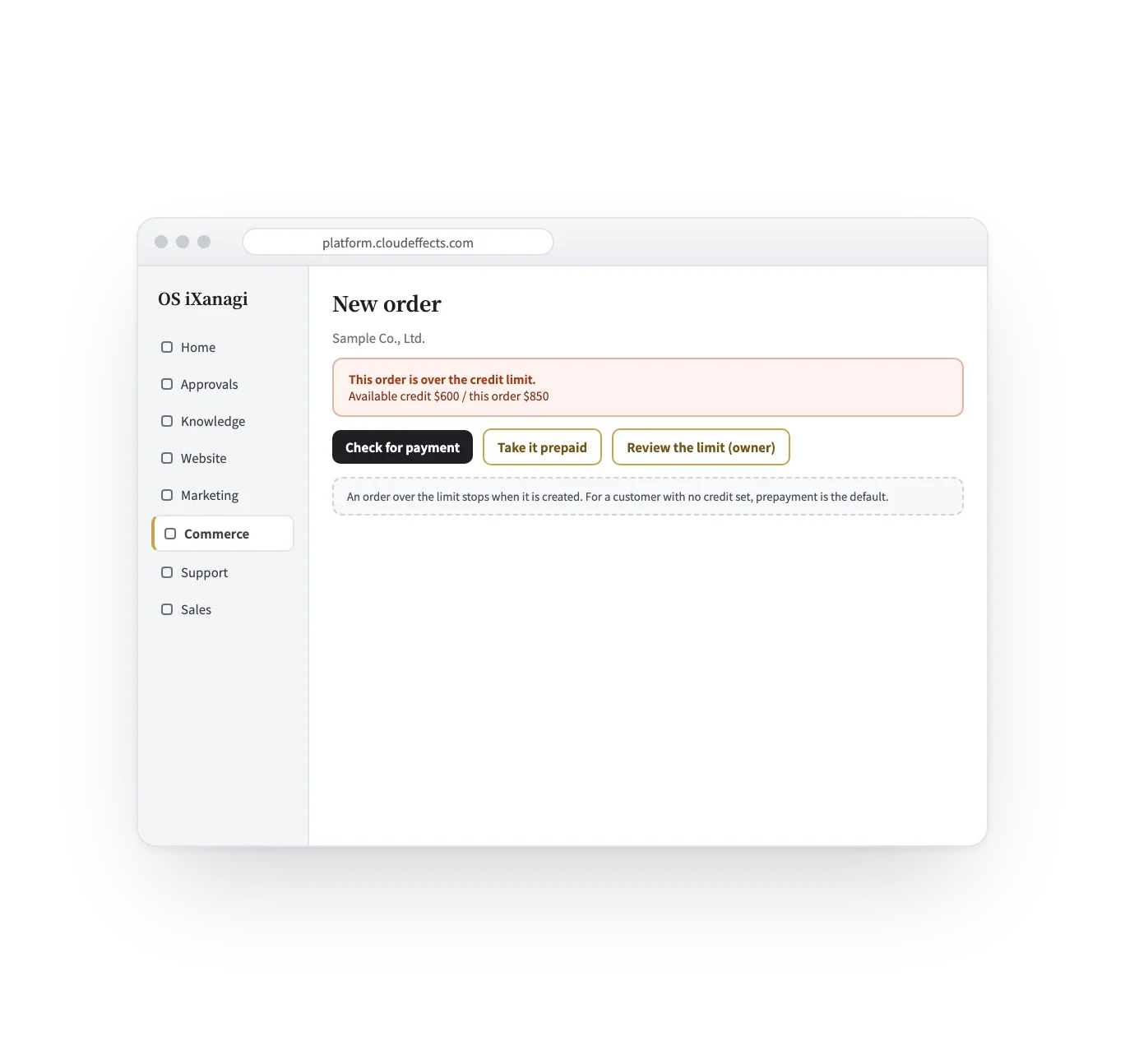
Each customer has a limit, and an order over it stops when it is created.
Commerce feature — Credit limits
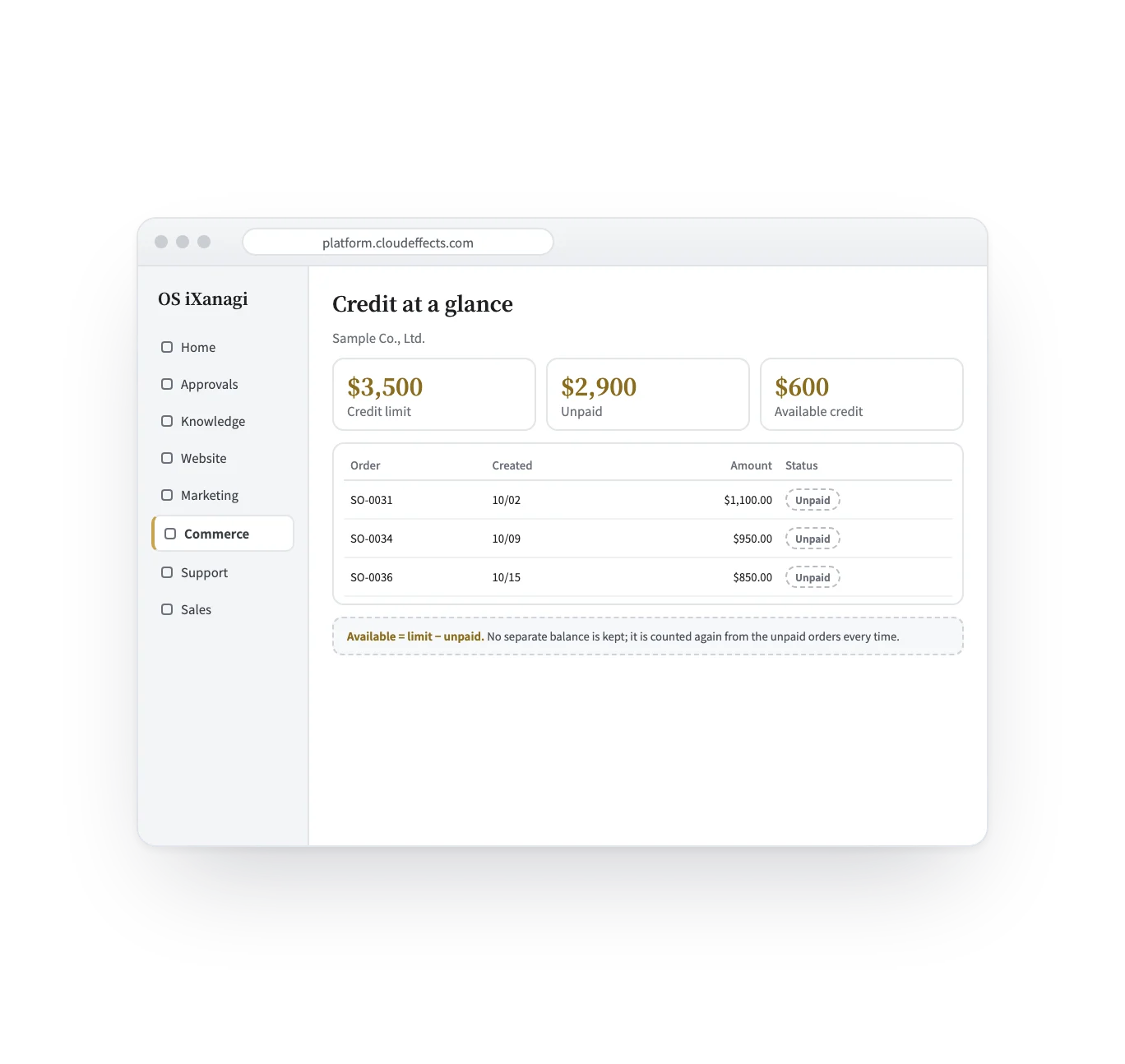
When to pay and how much you may extend are different things. Most sales software keeps only the first, with no ceiling and nothing that stops an order. Here each customer has payment terms and a credit limit, and an order over the limit stops before it is created.
Works · Built into Commerce
How it works
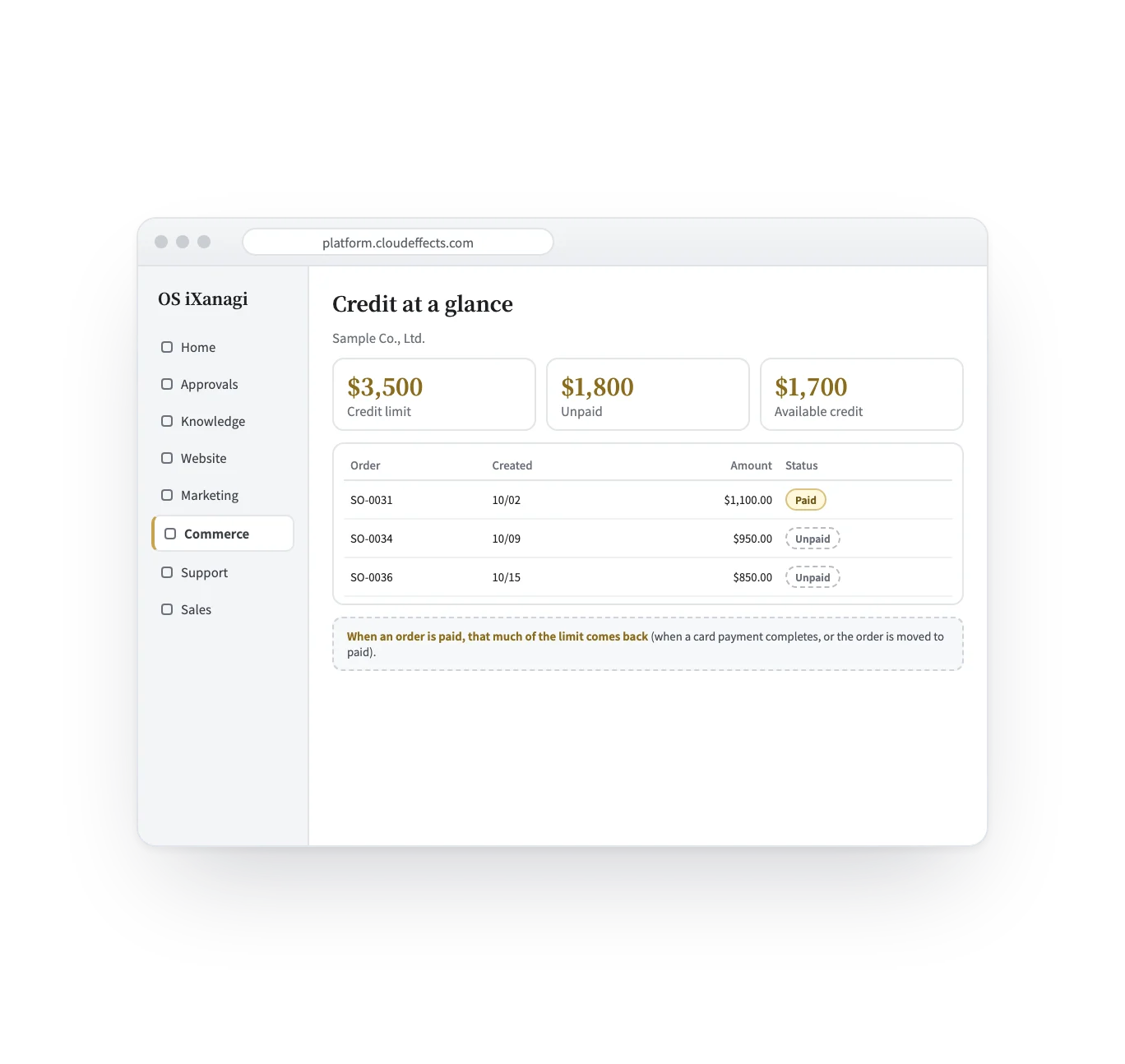
Four scenes, from setting a limit to it coming back. The screens are samples; the company and figures are examples.
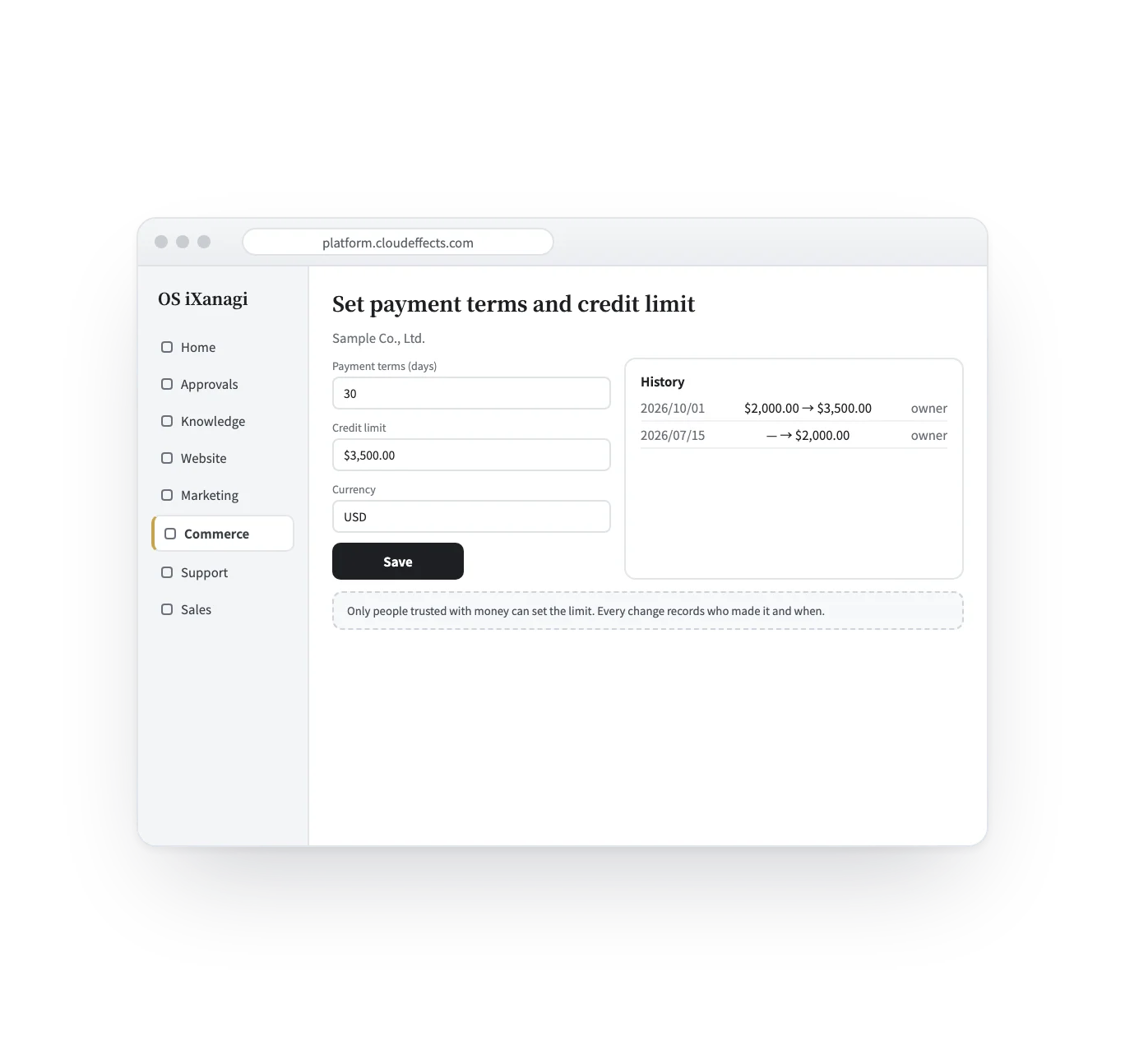
Payment terms are a number of days; the limit is an amount in one currency. Only people trusted with money can set it, and every change records who and when.
Who it suits
Regular trade customers who pay after delivery.
Repeat orders on 30- or 60-day terms.
The machine counts, and stops orders over the limit.
No limit set means prepayment by default.
What it does
With the rest of OS iXanagi
Credit is part of the customer record that the rest of Commerce and Sales already use.
What changes
What it needs
Every App comes with the plan. Unless an App is activated, its capabilities cannot be used — from the screen or the API.
Payment terms are kept as a number of days (for example, 30 days after the invoice). Closing-date rules such as “end of month, paid end of next month” are not modelled. The limit is checked when an order is created. Customers do not place orders on credit or see their balance from their own page.
FAQ
It is refused before it is created, and three ways forward are shown: check for payment, take it prepaid, or have the owner review the limit.
When an order is paid: a card payment completes, or the order is moved to paid.
Their orders are prepaid by default. Payment terms alone do not allow selling on credit.
Only people with permission to handle money. Every change records who made it and when, and removing a limit keeps the history.
Works well with
Curious? Ask the AI directly — it answers in terms of your business.